

Discord entitlement 会将付费客户添加到您的 Discord 服务器,并可为其分配角色。客户的订阅激活或一次性付款成功后,会连接其 Discord 账户。当授权被撤销时,例如取消订阅或退款,Dodo Payments 会移除该角色并将客户从服务器中移除。
交付内容
- 客户可从 Customer Portal 连接其 Discord 账户。付款确认邮件会将该 entitlement 标记为 Action Required,并提供指向门户的链接。
- 客户完成授权后,Dodo Payments bot 会将其添加到您的服务器,或找到其现有成员身份,并分配您配置的角色。
- 如果您未选择角色,客户只会获得服务器成员身份。
连接 Discord
1
Open Entitlements
在 Dodo Payments 控制面板中,前往 Entitlements,然后点击 + 以开始创建新的 entitlement。
2
Pick Discord
选择 Discord Access 作为集成。如果您的企业尚未连接 Discord,请点击 Connect Discord。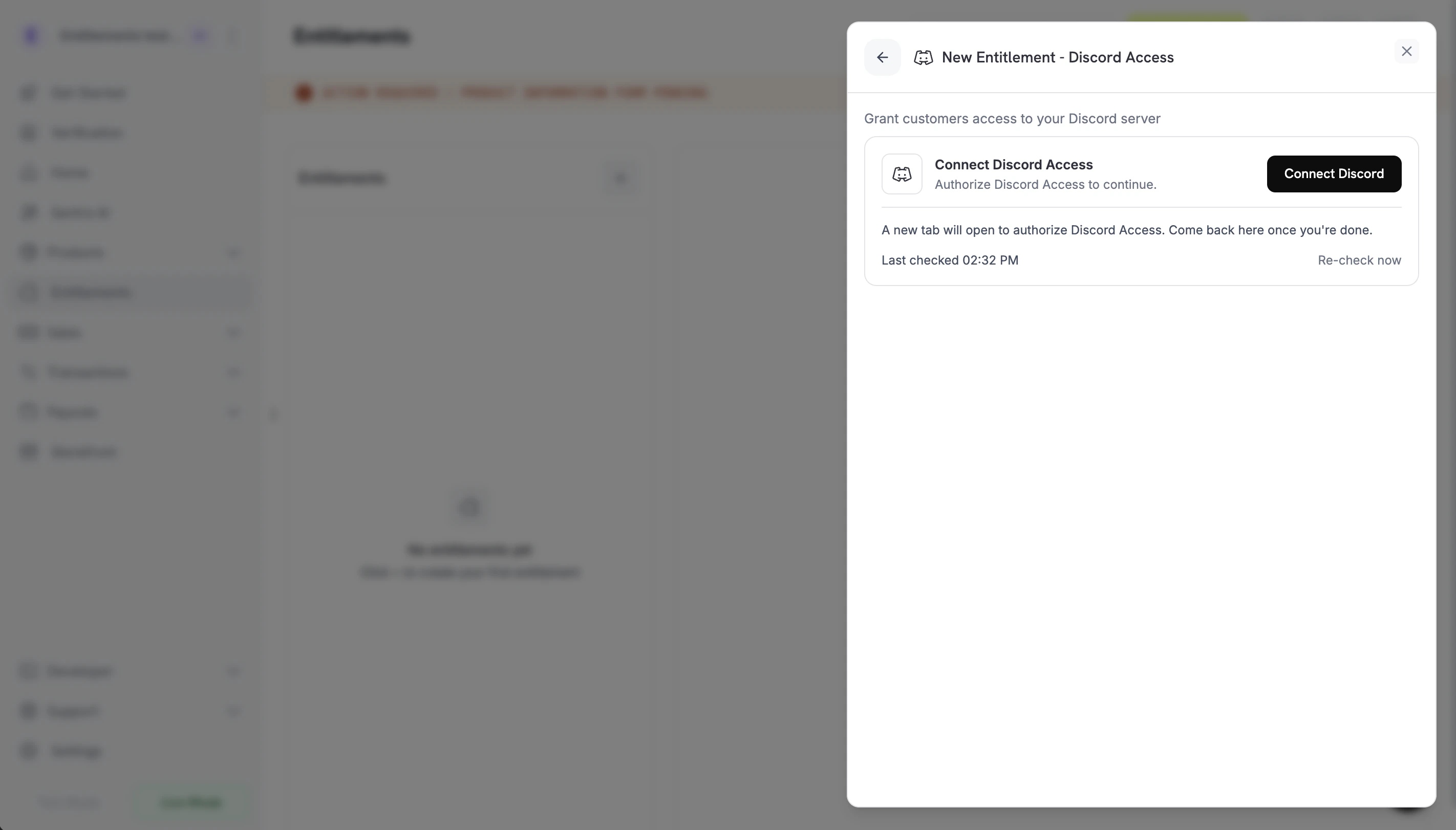
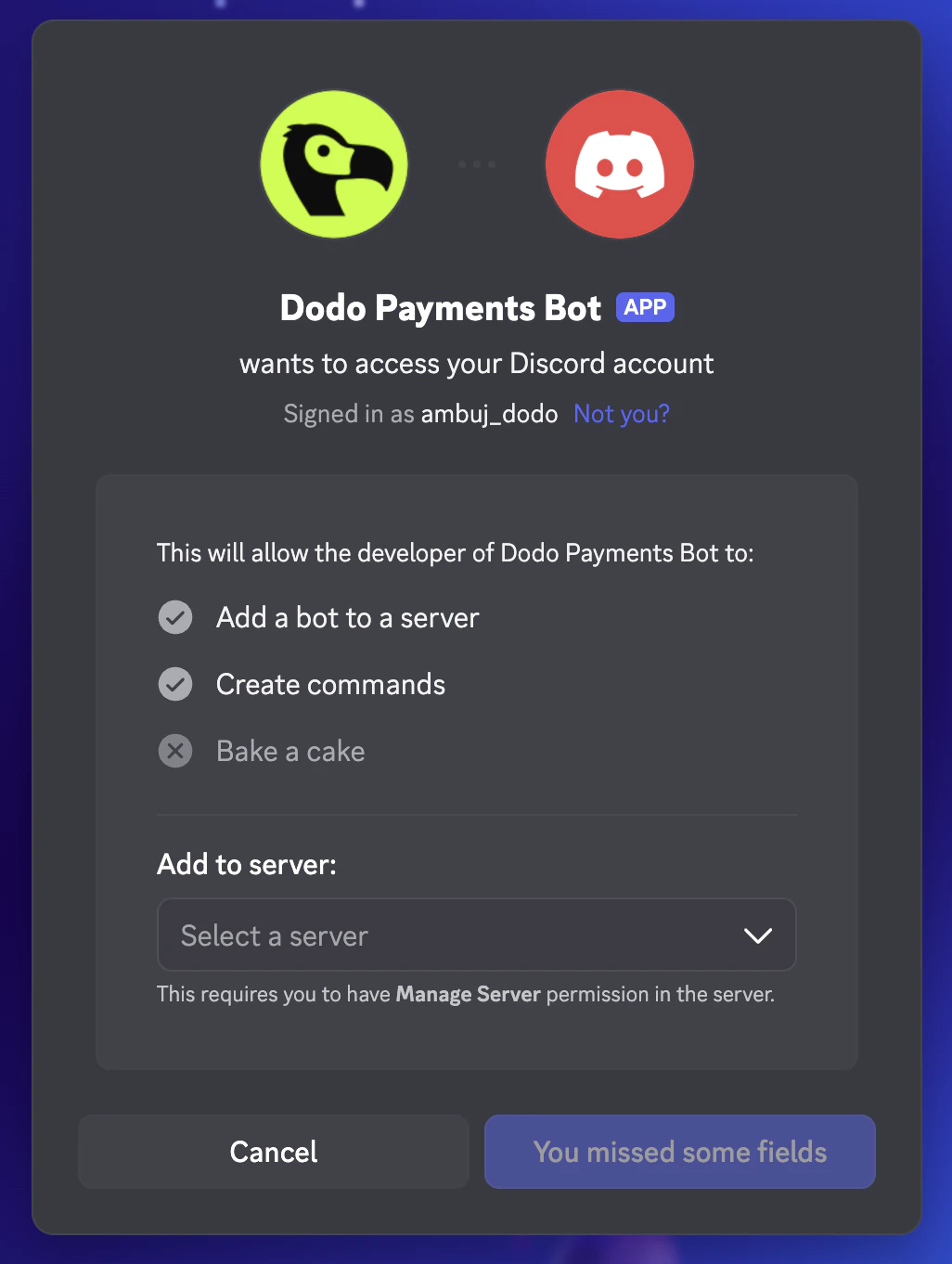
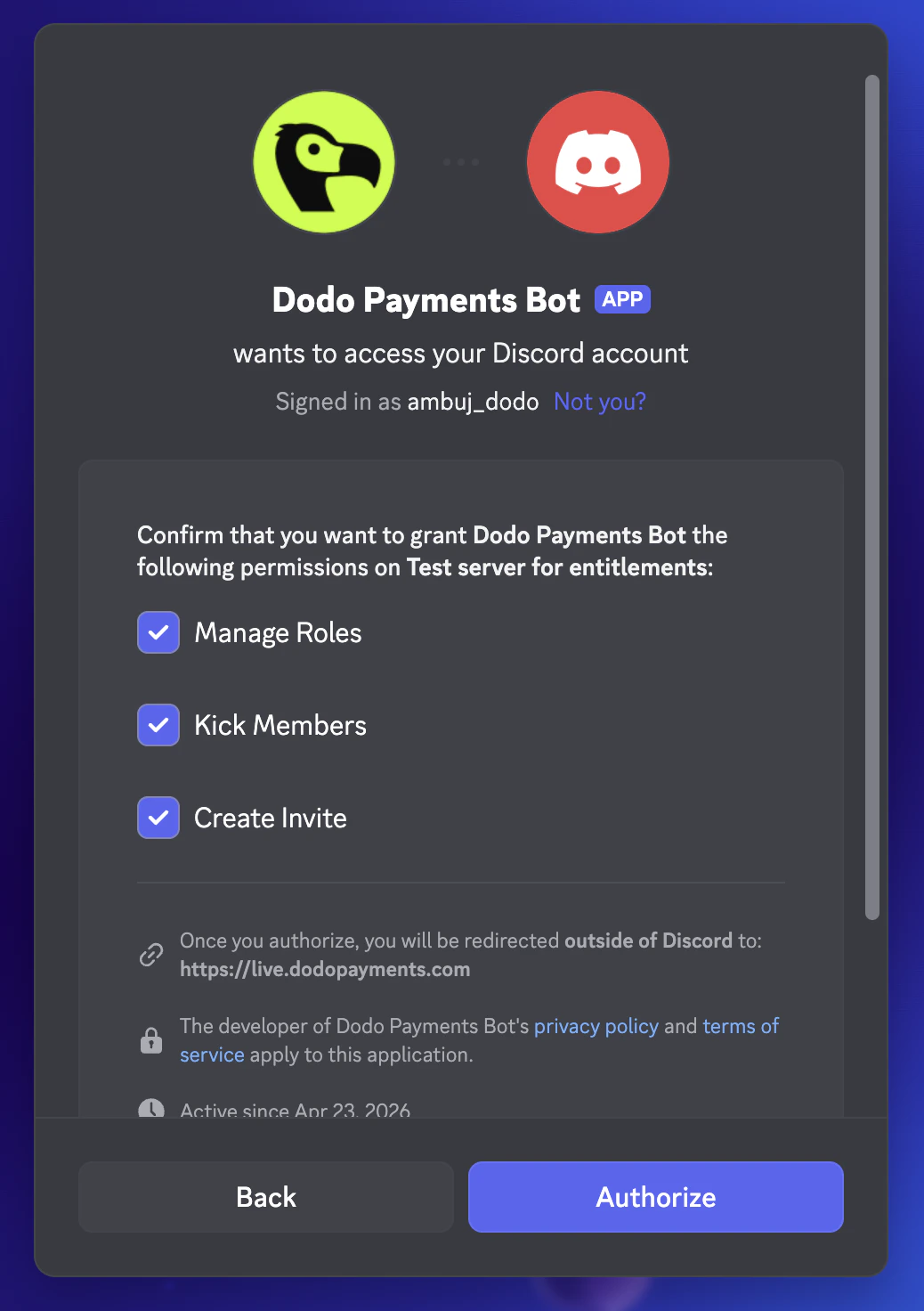
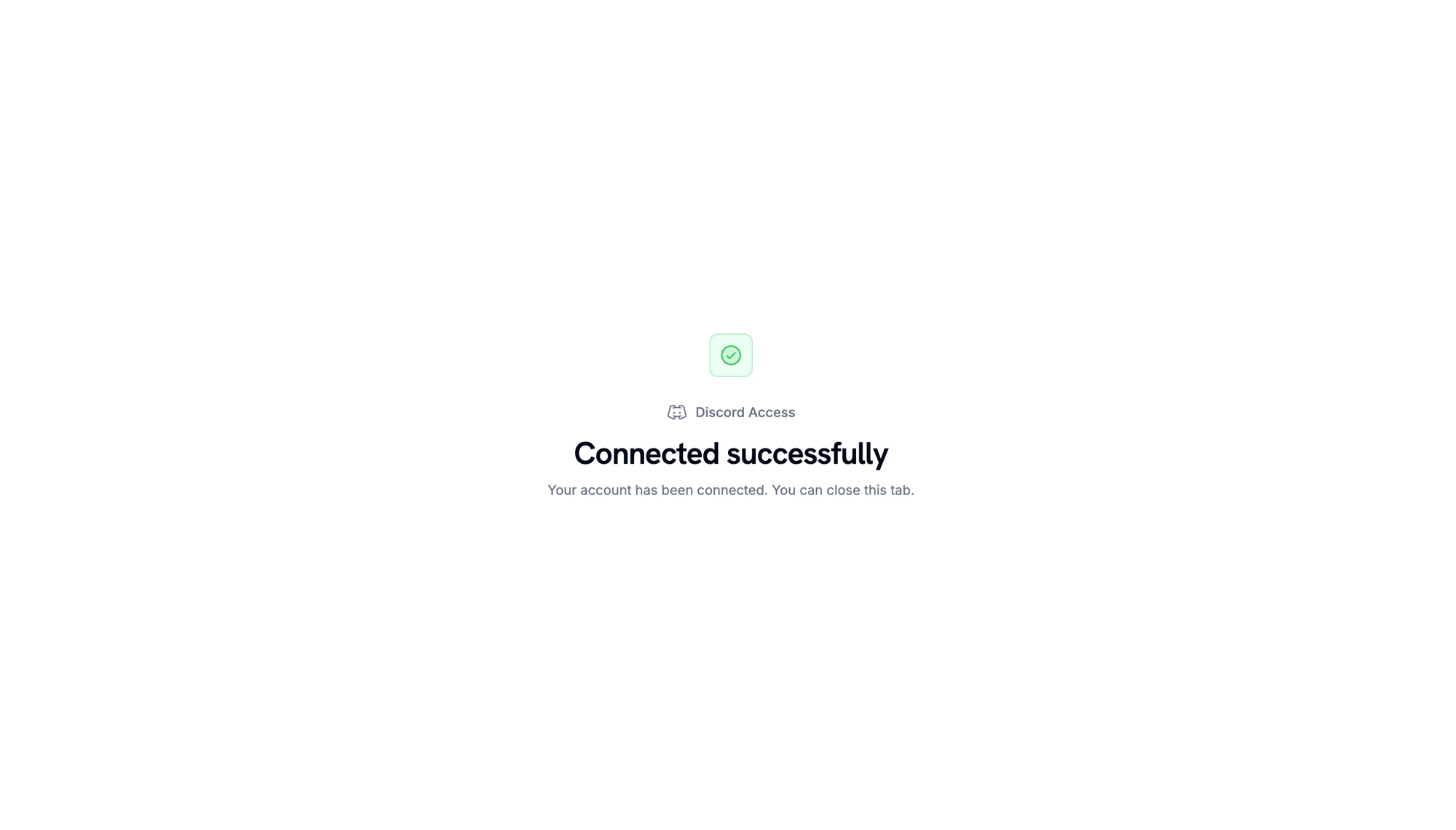
Connect Discord prompt before the OAuth handoff.
Discord OAuth: pick the server to add the bot to.
Discord OAuth: confirm the bot's permissions on the server.
Server connected. Return to the Dodo Payments dashboard to continue.
3
Pick a Server and Role
返回控制面板后,选择您连接的 Server。如需在交付时分配角色,请在 Role 下选择该角色。如只授予服务器成员身份,请将 Role 保持为 No specific role。输入 entitlement 的 Name,然后点击 Create Entitlement。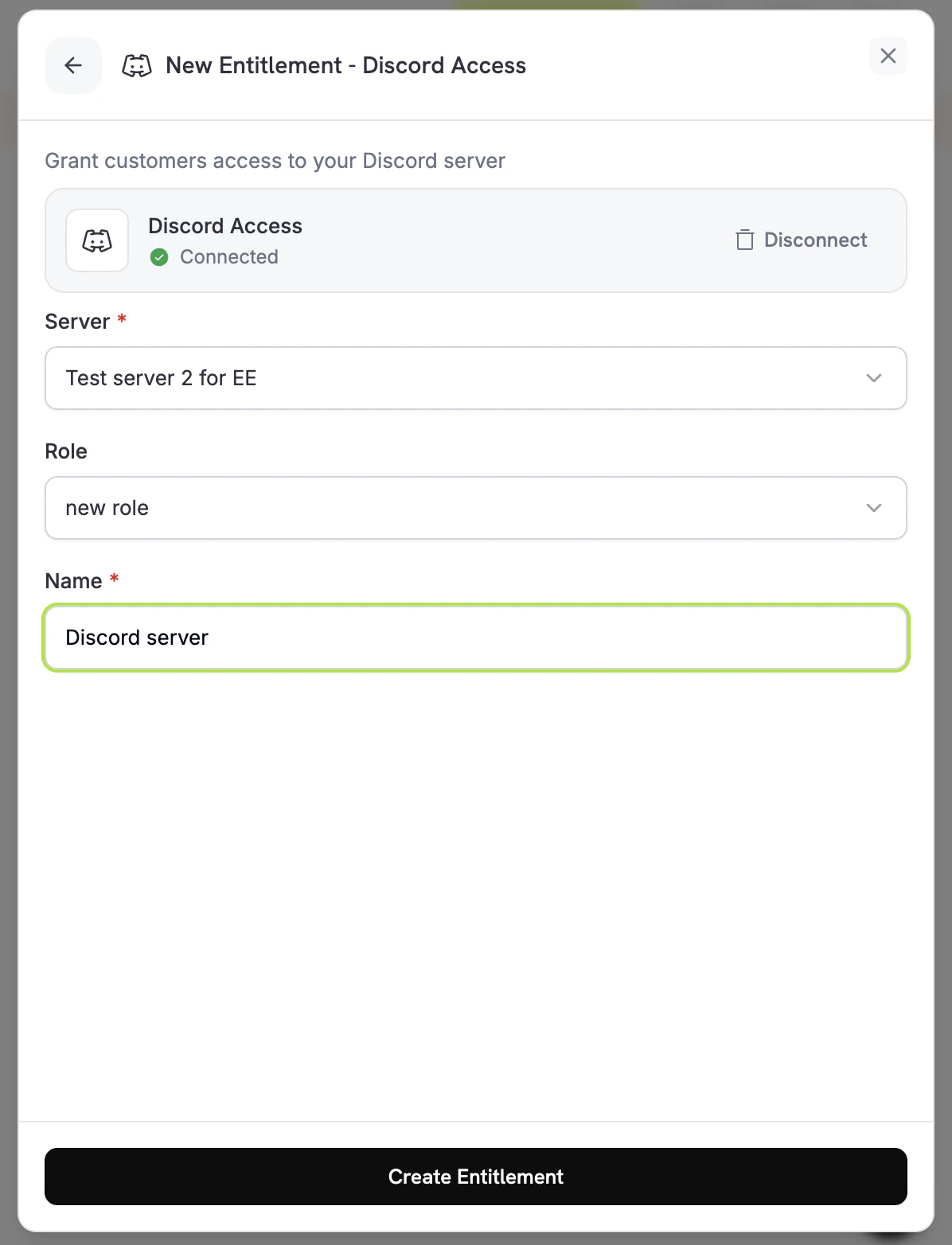
4
Attach It to a Product
entitlement 已保存,可附加到任何产品。请参阅将 Entitlements 附加到产品。
客户流程
- 客户完成结账。
- Dodo Payments 创建一个处于
Pending状态的授权。Dodo Payments 会立即尝试创建 Discord 授权 URL,并将其存储在oauth_url中。如果失败,oauth_url会保持为null,直到客户开始接受流程。 - 支付确认邮件会将该权益列为 需要操作,并提供指向 Customer Portal 的链接。在门户中,客户点击该权益上的 连接。
- 客户在 Discord 上授权 Dodo Payments。机器人会将客户添加到服务器并分配配置的角色,授权状态变为
Delivered。 - 当授权被撤销时(订阅被取消、暂停、搁置或过期,一次性付款被退款,或你撤销了授权),机器人会移除该角色并将客户从服务器中移除。授权状态变为
Revoked。
revocation_reason: platform_external 撤销其 grant。
必需配置
通过 API 创建
Webhooks
订阅entitlement_grant.* webhook events,以跟踪 Discord grant:
entitlement_grant.created会随status: "Pending"触发。oauth_url中可能已经存有授权 URL。如果其值为null,则会在客户从 Customer Portal 开始接受流程后填充。- 客户加入服务器并被分配角色后,
entitlement_grant.delivered会触发一次。 - 角色被移除且客户被从服务器中移除时,
entitlement_grant.revoked会触发。
故障排除
Customer never sees the role assigned
Customer never sees the role assigned
在客户完成 Discord 授权前,grant 会一直处于
Pending 状态。在控制面板中打开 entitlement 并检查客户的 grant。如果仍为 Pending,请让客户打开 Customer Portal,并点击 Discord entitlement 上的 Connect。Grant moves to failed with permission errors
Grant moves to failed with permission errors
请确保 Dodo Payments 机器人仍在服务器中,拥有 管理角色 权限,并且位于待分配角色的上方。如果机器人被从服务器中移除,Dodo Payments 会撤销该服务器中待处理和已交付的授权。重新保存权益只会检查其设置,不会检查机器人的权限。修复权限后,请客户打开 Customer Portal,并点击 Discord 权益上的 连接,以重试授权。
Customer cancelled but still has the role
Customer cancelled but still has the role
撤销会移除角色并将客户从服务器中移除。如果 grant 显示为
Revoked,但客户仍在服务器中,请确认 bot 仍拥有 Manage Roles 和 Kick Members 权限,并且位于该角色的上方。如果客户的 Discord 应用仍显示该角色,请让其刷新。服务器端状态是唯一事实来源。